All help topics
Help Center
Add Powerline Connect to Your Home Screen (iPhone)
Use the app just like a regular mobile app — fast access during storms.
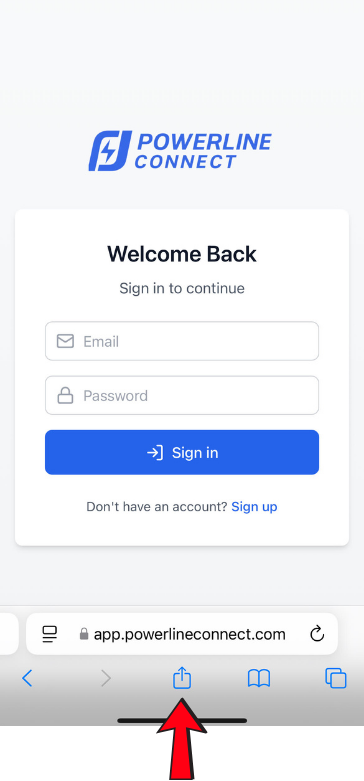
1 Open Powerline Connect in Safari
Go to: app.powerlineconnect.com
Tap the Share button at the bottom of your screen.
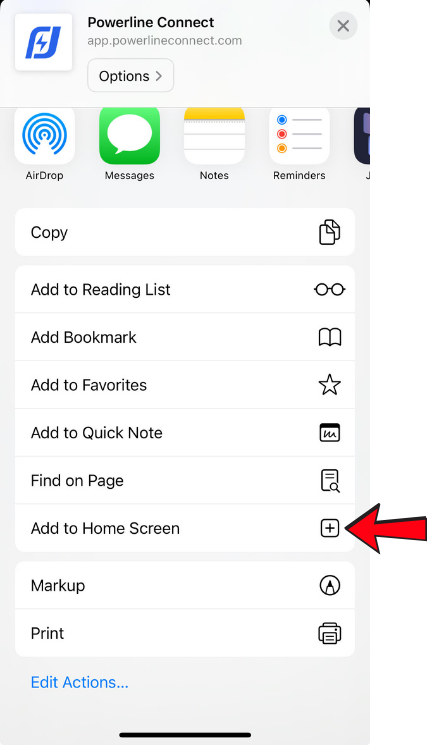
2 Select "Add to Home Screen"
Scroll down slightly if needed, then tap Add to Home Screen.
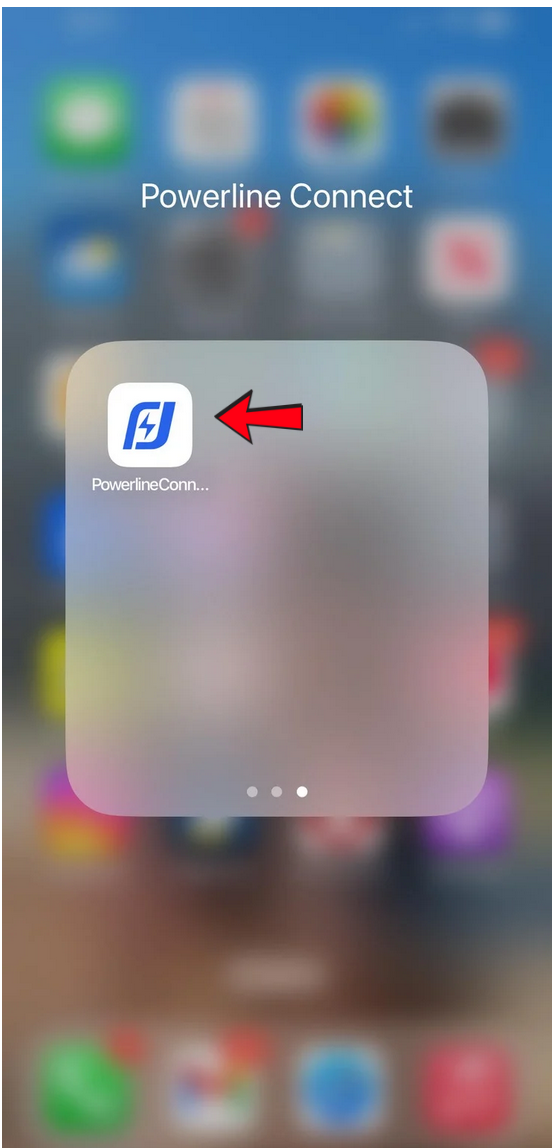
3 Powerline Connect Appears as an App
You'll now see the Powerline Connect icon on your home screen — tap it any time for instant access.